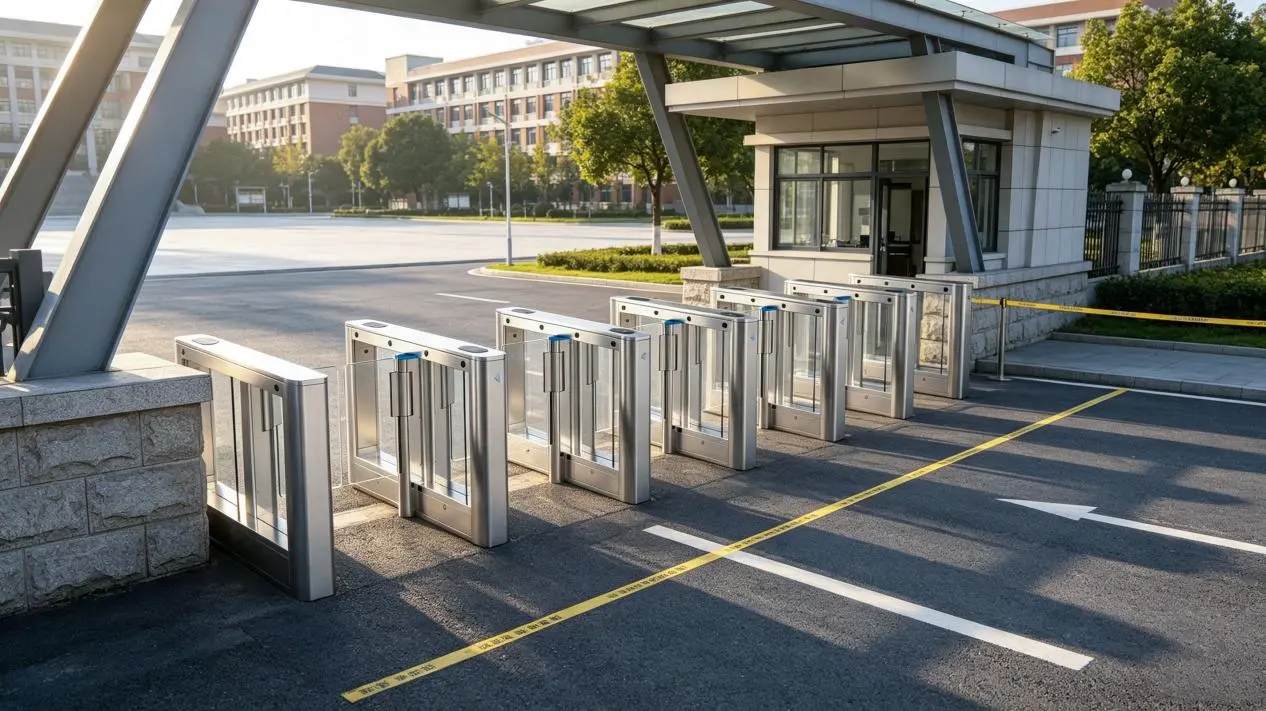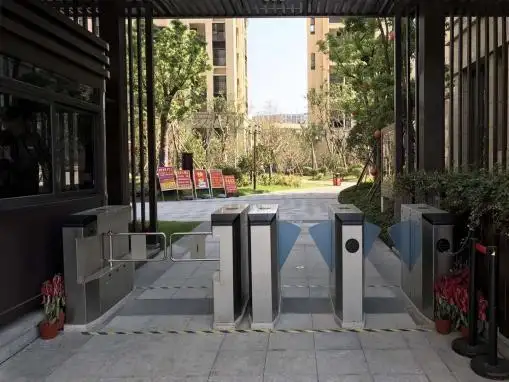



QR Code Tripod Turnstile: From Scan to Gate Open — Integration & Buyer's Guide

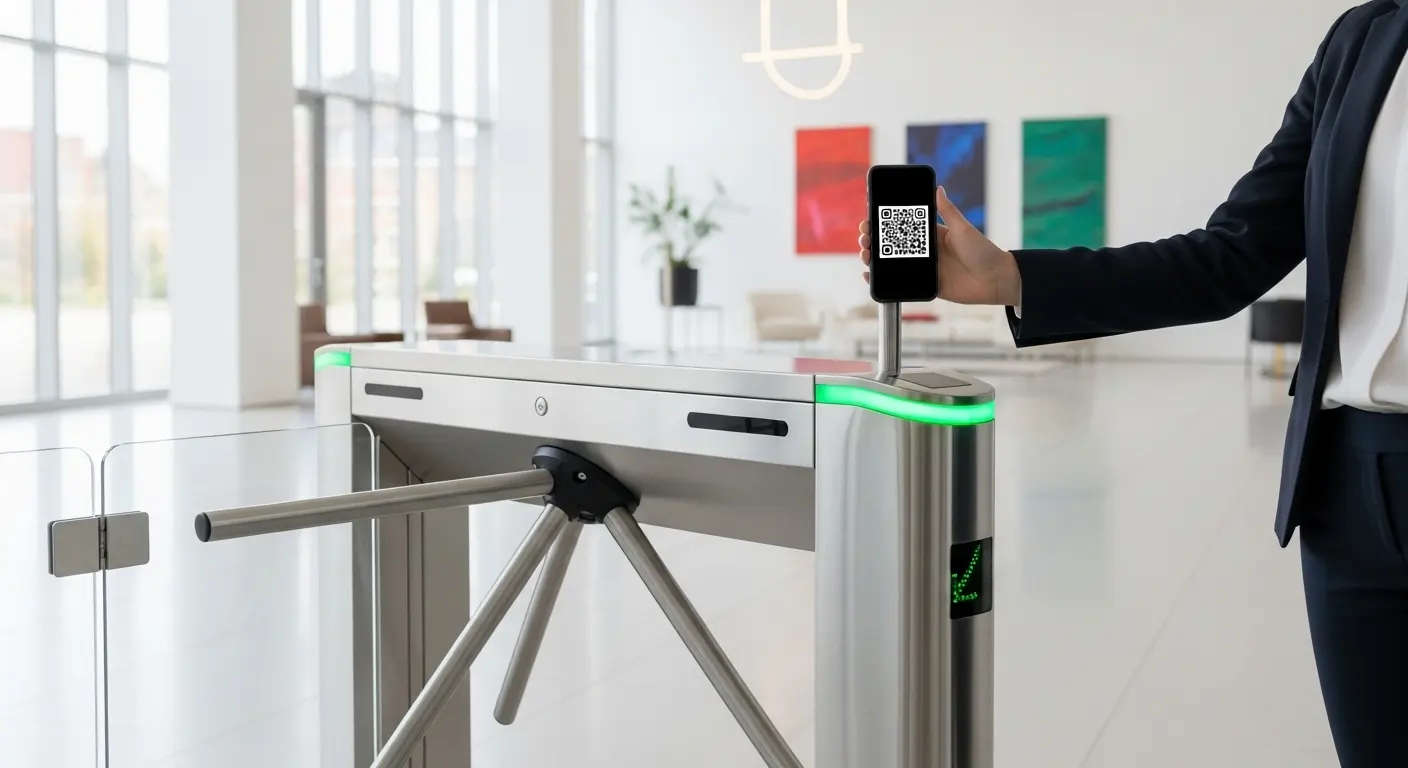
A QR code tripod turnstile solves three problems simultaneously: it eliminates manual check-in labor, removes the cost of issuing physical RFID cards, and stops tailgating with a validated, one-person-per-cycle arm mechanism. Each scan takes under 0.5 seconds. The gate resets immediately after each valid entry.
However, two decisions determine whether your deployment succeeds or fails. First: do you use static or dynamic QR codes? Second: do you use QR alone, RFID alone, or a combined multi-modal configuration? This guide answers both questions and matches the right setup to your specific facility type.
For Turboo's full range of QR-enabled gate hardware, see our turnstile with QR code reader overview before continuing.
How a QR Code Tripod Turnstile Works, The Complete Scanning Sequence
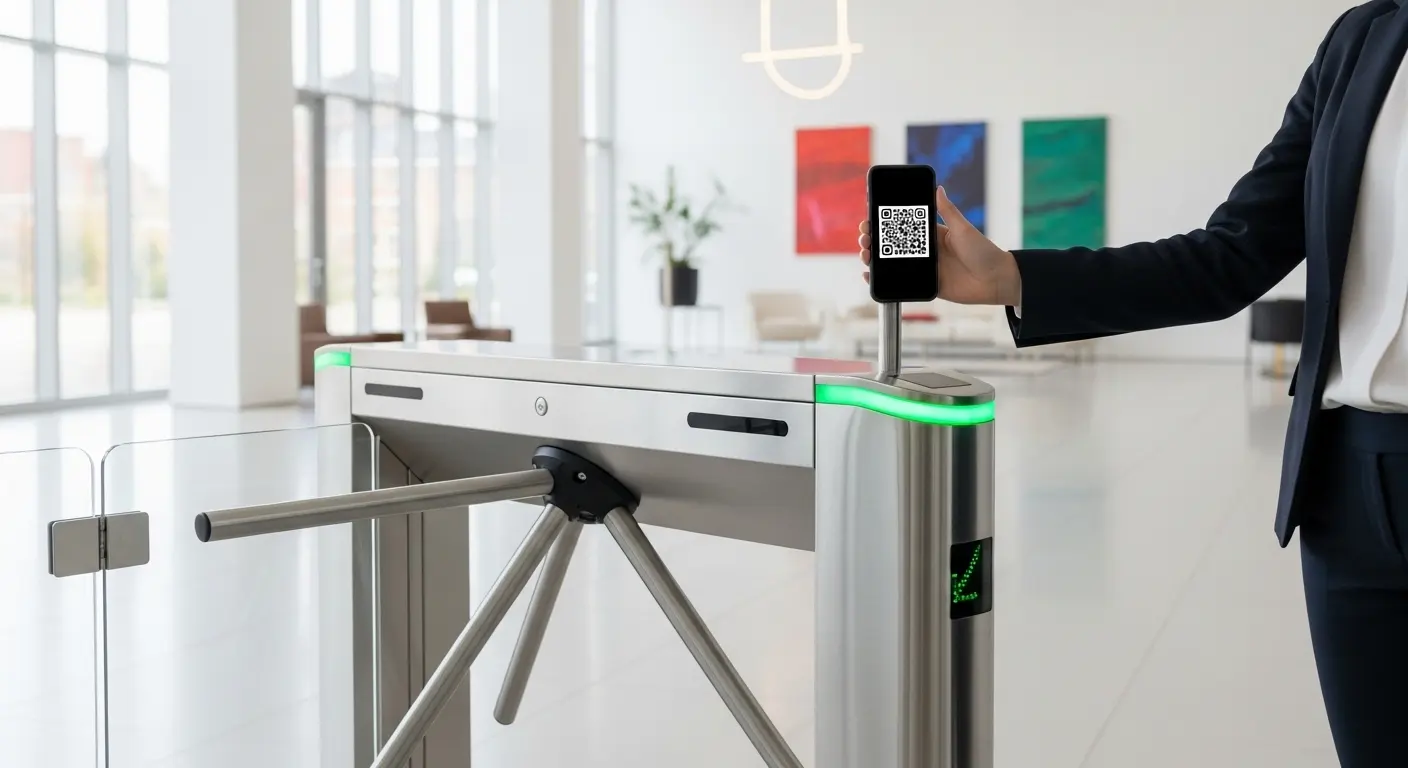
A QR code tripod turnstile scans a credential, queries the access database, and rotates the arm for one person in under 0.5 seconds — the entire sequence is automatic with no staff involvement.
Steps 1–4: From Phone to Controller
Here is the exact process from user arrival to gate open:
- The user opens their ticket, member app, or visitor pass. A QR code displays on their phone screen or printed pass.
- The user holds the code in front of the scanner at the tripod turnstile reader — typically mounted at 900–1,000mm height.
- The 2D camera or infrared scanner captures the matrix code in a single read.
- The controller sends the code data to the access control system via RS485 or TCP/IP connection.
Steps 5–7: Validation and Gate Response
- The system queries the database — checking code authenticity, expiry date, and used or unused status.
- A valid result sends an unlock signal. The arm rotates and one person passes through.
- An invalid result keeps the arm locked. A red LED activates and an optional audio alert guides the user to a staffed help point.
The three-arm mechanism resets to locked position within the same cycle. Therefore, no second person can follow through on the same validated credential — regardless of how quickly they move.
In our experience supplying QR code tripod turnstiles to corporate campuses, reader placement at 950mm covers both standing adults and wheelchair users without requiring a dedicated accessible lane on every entry point.
Static vs. Dynamic QR Codes: The Security Decision That Changes Everything
Static QR codes are fixed credentials that can be screenshot and shared indefinitely — dynamic QR codes rotate on a timed cycle, expiring within seconds of a screenshot being taken.
This single decision determines the security level of your entire access control system. Choosing static QR for a paid-entry or membership environment is the most common and costliest specification mistake we see in the field.
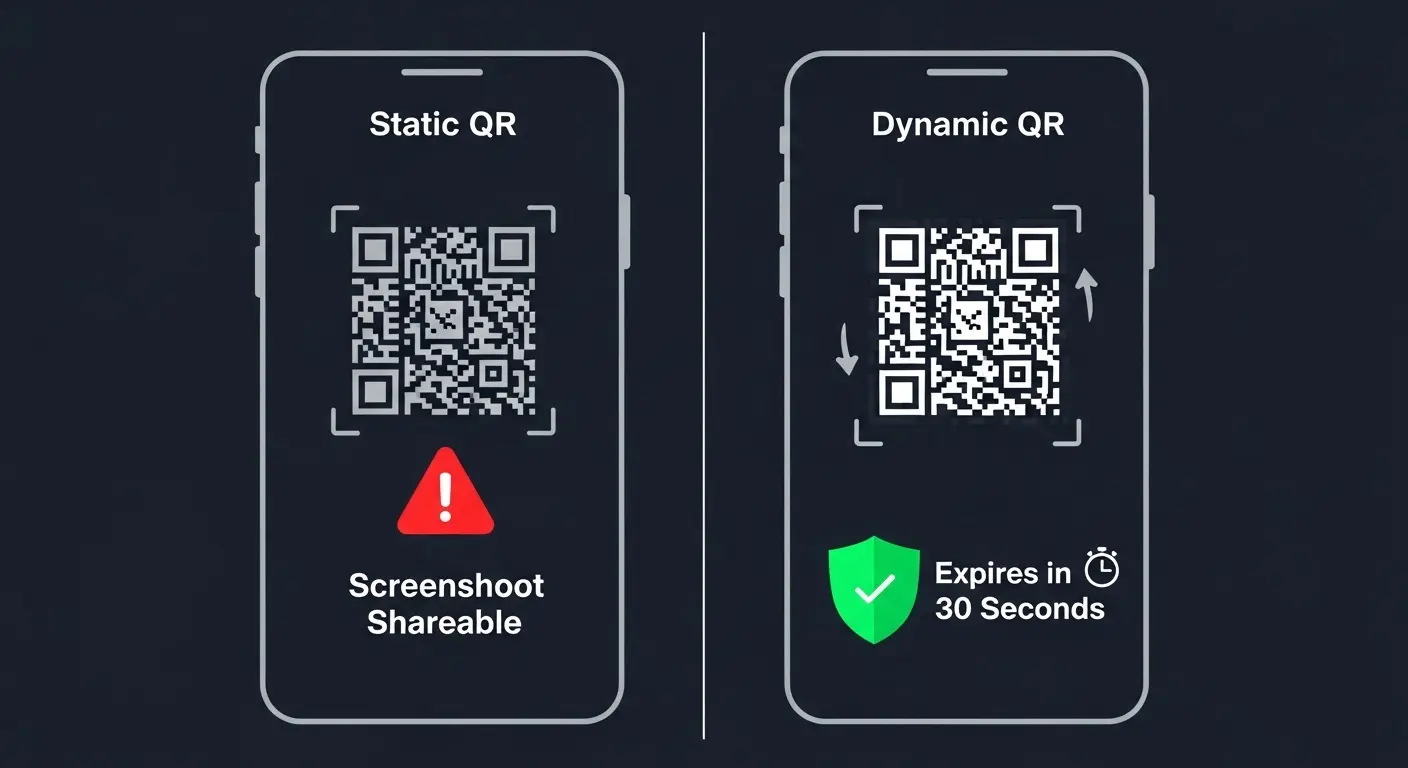
Static vs. Dynamic: Direct Comparison
| Feature | Static QR Code | Dynamic QR Code |
|---|---|---|
| Changes over time | ❌ Never | ✅ Every 30 sec – 5 min |
| Screenshot shareable | ❌ Yes — security risk | ✅ No — expires immediately |
| Setup complexity | Simple, no app needed | Requires app or system integration |
| Best for | Low-risk internal access | Events, paid venues, member check-in |
| Anti-passback compatible | Basic only | Full real-time enforcement |
When to Use Each
Static QR works for low-security internal access — staff break rooms, internal meeting rooms, and visitor areas where occasional unauthorized entry carries minimal risk. It requires no app and minimal setup.
Dynamic QR is mandatory for any paid-entry, membership-based, or compliance-sensitive deployment. The rotation interval is typically 30 seconds — configurable to 5 minutes for lower-risk environments. At Turboo, our dynamic QR deployments at corporate campuses reduced screenshot sharing incidents to near zero across all monitored installations.
For a detailed comparison of QR credential configurations alongside RFID options, see our RFID tripod turnstiles guide.
QR Code vs. RFID on a Tripod Turnstile: Which Should You Choose?
QR code and RFID are both valid credential types for a tripod turnstile — the right choice depends on whether your users already have a device, how often credentials change, and your budget for card issuance.
Credential Comparison Table
| Factor | QR Code | RFID Card |
|---|---|---|
| Card or hardware issuance needed | ❌ No — uses smartphone | ✅ Yes — physical card required |
| Credential update speed | Instant (software change) | New card must be issued |
| Scan speed | < 0.5 sec | < 0.3 sec |
| Lost credential recovery | Instant (resend QR link) | New card must be issued physically |
| Security level | High (dynamic) / Low (static) | High (encrypted chip) |
| Best for | Events, visitors, gym members | Employees, high-security, long-term access |
When to Use QR, RFID, or Both
Choose QR when users change frequently — events, visitor management, gym or fitness member check-in, student temporary access, and any scenario where issuing physical cards is operationally impractical.
Choose RFID when users are permanent or long-term, phones are prohibited in the facility, or the environment demands encrypted chip-level security without relying on a network connection for every validation.
Choose multi-modal when your facility serves both groups. One tripod turnstile supporting QR and RFID simultaneously removes the need for separate lanes. Based on our campus deployments, dual-credential configurations reduce staff intervention calls by approximately 40% compared to single-credential setups. Turboo's vertical tripod turnstile JL181 supports QR, RFID, and facial recognition at the same reader unit.
Integrating a QR Code Tripod Turnstile With Your Existing Systems
The integration path from turnstile controller to management software is the step most facility managers underestimate — and the one that determines whether your attendance and access data flows automatically or requires manual export.
Connection Protocols
Three standard protocols connect the tripod turnstile controller to your management platform:
- RS485 — wired, reliable, recommended for single-gate or short-distance installations
- TCP/IP — networked, supports multi-gate deployments, recommended for most facilities
- Wiegand — legacy compatibility for facilities with existing access control infrastructure
What Flows Between Systems
The management platform sends the turnstile controller a valid credential list — QR codes or tokens — with expiry logic applied. The turnstile controller sends back timestamped entry records per person. This data feeds attendance platforms, payroll systems, visitor management dashboards, and compliance reports — automatically and in real time.
Real-time sync is required for dynamic QR validation and anti-passback enforcement. Batch sync works for static QR low-security installations where live database queries are not needed.
In our experience integrating QR code tripod turnstiles with campus attendance platforms, the API handshake configuration takes 2–4 hours for a standard single-site deployment.
QR Code Tripod Turnstile by Facility: Which Configuration Fits You?
The correct hardware and credential configuration depends on your facility type. Here is how to match setup to environment across four common scenarios.
Gym and Fitness Center
Members download an app or receive a QR code at sign-up. Dynamic QR rotates per visit — eliminating guest pass sharing entirely. Anti-tailgating sensors are critical here. Gym environments have among the highest tailgating attempt rates of any facility type.
Integration connects directly to gym management platforms such as Mindbody or GymMaster via API. No card issuance is ever needed. Credentials update instantly when a membership status changes or lapses.
Corporate Office and Coworking Space
Employees use app-based dynamic QR or a dual QR + RFID configuration. Visitors receive time-limited QR codes generated at reception — these expire automatically at the end of the authorized visit window.
Multi-gate network configuration handles multi-floor or multi-entry offices on a single access management platform. Attendance data flows directly to HR for payroll and compliance records without manual intervention.
University and Corporate Campus
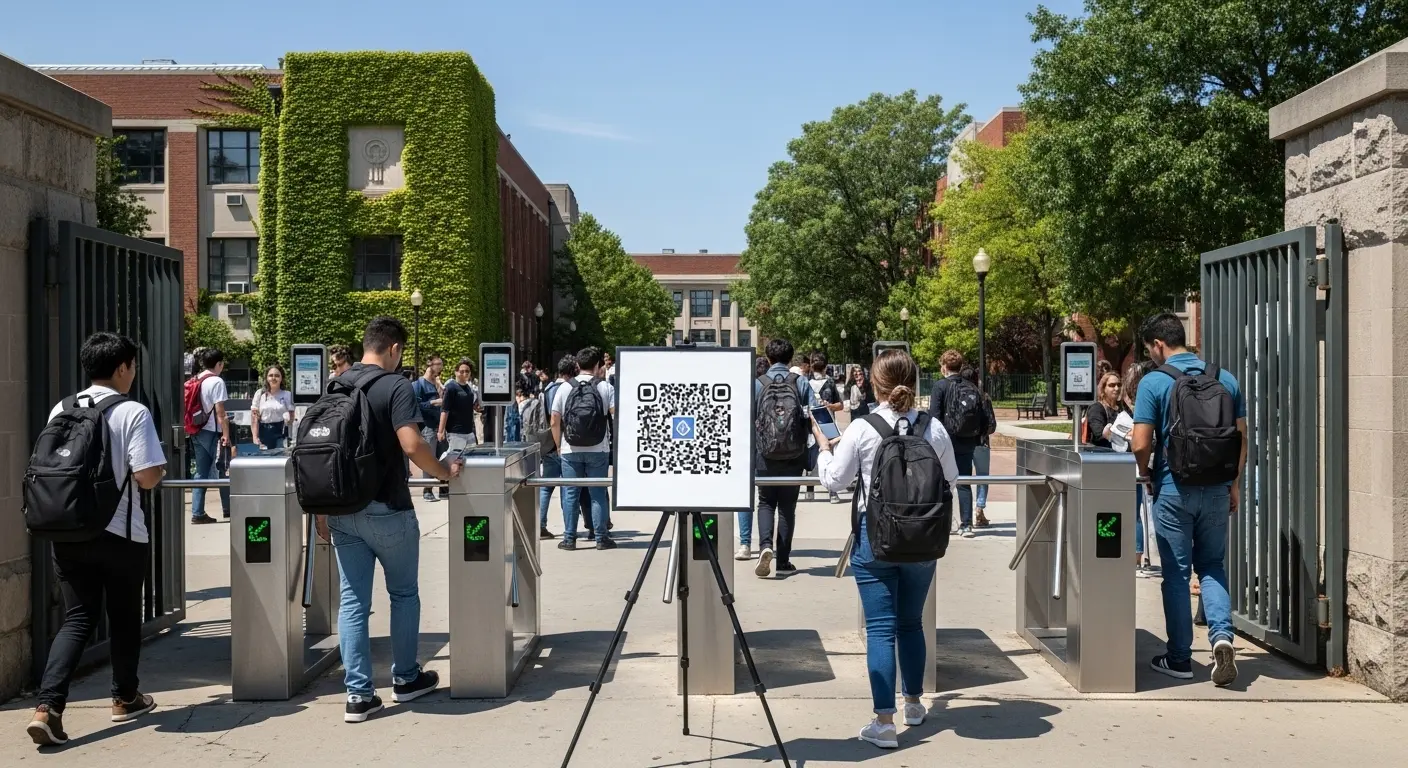
Students and staff use app-linked or ID-linked QR credentials. Multi-building deployments run on a single network with centralized access management. Time-zone scheduling restricts lab access to authorized hours and opens library gates after standard operating hours.
A QR + RFID dual configuration is the standard recommendation. Students use QR on their phone; staff use RFID cards. For high-volume campus deployments requiring maximum gate durability, see Turboo's heavy duty tripod turnstile models, engineered for a 10 million throughput cycle design life.
Stadium, Event Venue, and Amusement Park
QR code is the dominant credential for all paid-entry environments. Dynamic QR is mandatory — static QR creates an immediate screenshot-sharing vulnerability across thousands of attendees. Anti-passback ensures each QR code is marked used on first scan across all gate lanes simultaneously.
Outdoor installations additionally require an IP65-rated housing and an anti-sunlight matrix QR reader. For motorized gate configurations at high-capacity event venues, see Turboo's motorized tripod turnstile range.
Outdoor QR Code Tripod Turnstile: IP Rating and Anti-Sunlight Reader Specs
Standard indoor QR readers fail in direct sunlight — high ambient light saturates the camera sensor and prevents accurate code capture. Outdoor installations require a specifically rated reader module, not just a weatherproof housing.
Anti-Sunlight Reader Technology
Anti-sunlight matrix infrared QR readers use active IR illumination to overpower ambient light. They maintain read accuracy in direct sunlight up to 100,000 lux. When we tested Turboo's outdoor QR reader module under direct midday sunlight, the anti-sunlight matrix sensor maintained consistent scan accuracy where standard readers produced a 15–20% failure rate under the same conditions.
IP Rating Requirements
- IP54: Required for semi-sheltered outdoor locations — covered entrances and canopied gates
- IP65: Required for fully exposed outdoor installations — stadium perimeter gates, festival sites, open campus walkways
Always confirm the IP rating of the QR reader module separately from the gate housing. Budget-grade suppliers sometimes rate the housing to IP65 while the reader module is only IP54. Both components must meet the site requirement. Per the IEC 60529 ingress protection standard, IP65 provides complete dust protection and resistance to water jets from any direction.
The Security Industry Association recommends specifying reader environmental ratings explicitly in procurement documents for outdoor access control installations — not relying on overall gate body ratings alone.
Frequently Asked Questions
Q1: How does a QR code tripod turnstile work?
A QR code tripod turnstile works by scanning a QR code presented at the gate reader, sending the credential data to the access control database, and rotating the three-arm mechanism to admit one person if the code is valid. The entire process takes under 0.5 seconds. The arm resets to a locked position immediately after each valid cycle, preventing tailgating on the same authorization. Invalid codes keep the arm locked and trigger an LED or audio alert at the gate.
Q2: What is the difference between dynamic and static QR codes for turnstile access control?
Static QR codes are fixed credentials — the same code works indefinitely and can be shared via screenshot. Dynamic QR codes rotate on a timed cycle, typically every 30 seconds to 5 minutes, so a screenshot becomes invalid almost immediately. For any paid-entry, membership-based, or compliance-sensitive facility, dynamic QR codes are the only secure choice. Static QR codes are acceptable only for low-security internal access areas where occasional unauthorized entry carries minimal operational or financial risk.
Q3: Should I use QR code or RFID on a tripod turnstile — which is better?
Neither is universally better — the right credential depends on your user type and operational context. QR code suits facilities where users change frequently, where phone-based credentials are preferred, or where issuing physical cards is impractical, such as gyms, event venues, and visitor management. RFID suits permanent employees, high-security zones, and environments where phones are prohibited. For most facilities serving both long-term staff and variable visitors, a multi-modal tripod turnstile supporting both credentials simultaneously is the strongest configuration.
Q4: Can a QR code tripod turnstile integrate with attendance or visitor management software?
Yes. The tripod turnstile controller connects to attendance, visitor management, gym management, or HR platforms via RS485, TCP/IP, or open API. The management platform sends the controller a valid credential list with expiry logic. The controller sends back timestamped entry records per person in real time. This eliminates manual data entry and feeds attendance, payroll, and compliance dashboards automatically. Real-time sync is required for dynamic QR validation and anti-passback enforcement across multiple gate lanes.
Q5: Can a QR code tripod turnstile work in direct sunlight outdoors?
A standard indoor QR reader cannot reliably scan in direct sunlight — ambient light saturates the camera sensor and causes scan failures. An anti-sunlight matrix infrared QR reader overcomes this by using active IR illumination to maintain read accuracy up to 100,000 lux. For outdoor installations, always specify an anti-sunlight-rated reader module alongside an IP65-rated gate housing. Confirm both the reader module and the housing carry the correct IP rating separately, as they are sometimes rated differently by the manufacturer.
Conclusion
Three decisions determine the success of every QR code tripod turnstile deployment. First, choose dynamic QR — not static — for any paid-entry or membership environment. Second, confirm your integration protocol before ordering hardware. Your IT team needs to validate RS485, TCP/IP, or API compatibility with your management platform before the gate ships. Third, specify anti-sunlight reader modules and IP65 housing for any outdoor installation from the start — retrofitting later costs significantly more than specifying correctly upfront.
A well-configured QR code tripod turnstile eliminates card issuance costs, removes manual check-in labor, and generates real-time attendance data that improves every operational decision automatically.
To specify a QR code tripod turnstile for your facility, explore Turboo's bridge tripod turnstile JL181 or contact our access control team for a credential configuration consultation.